File Server.
Your TMS stops at attachments. Ours doesn’t.
Your TMS lets you attach a file to a load. Everything else ends up on a physical server, in a third-party file store or in somebody’s inbox. ProBuilt’s File Server keeps record attachments and loose files together, in any structure you want.
A motion graphic: every file, from the driver, the office and the scanner, lands in its place on ProBuilt’s File Server.
01On the record.
Files on the record. Where they belong.
The bill of lading, the rate confirmation and the load photo go right on load 48214, in its Files tab, so whoever opens the load has them. The insurance policies, contracts and training files that belong to no load go in the same File Server, in folders you set up.
Follow the paperwork. Or let it play on its own.
From the dock and from dispatch, the bill of lading, the load photo and the rate confirmation land right on load 48214.
02Built in.
Your files, inside your TMS. Not in one more system.
A third-party file store is one more list of users and permissions to keep up, and one more place for critical information to be lost or compromised. The File Server is part of ProBuilt TMS, so your files sit with the records they belong to, behind the same security.
- Attachments and loose files.Record attachments and loose files side by side, in any folder structure you like.
- Private folders.Folders open only to the people you permit.
- Full administrator-based security.Your administrators decide who sees what. No second list of users to keep up.
- Multi-layered archiving.Your files are archived in layers on Amazon Web Services.
- 100 GB of storage.Space for your bills of lading, load photos and policies.
- In Mobile TMS too.Your files, from your phone, for the people you permit.
03The paper too.
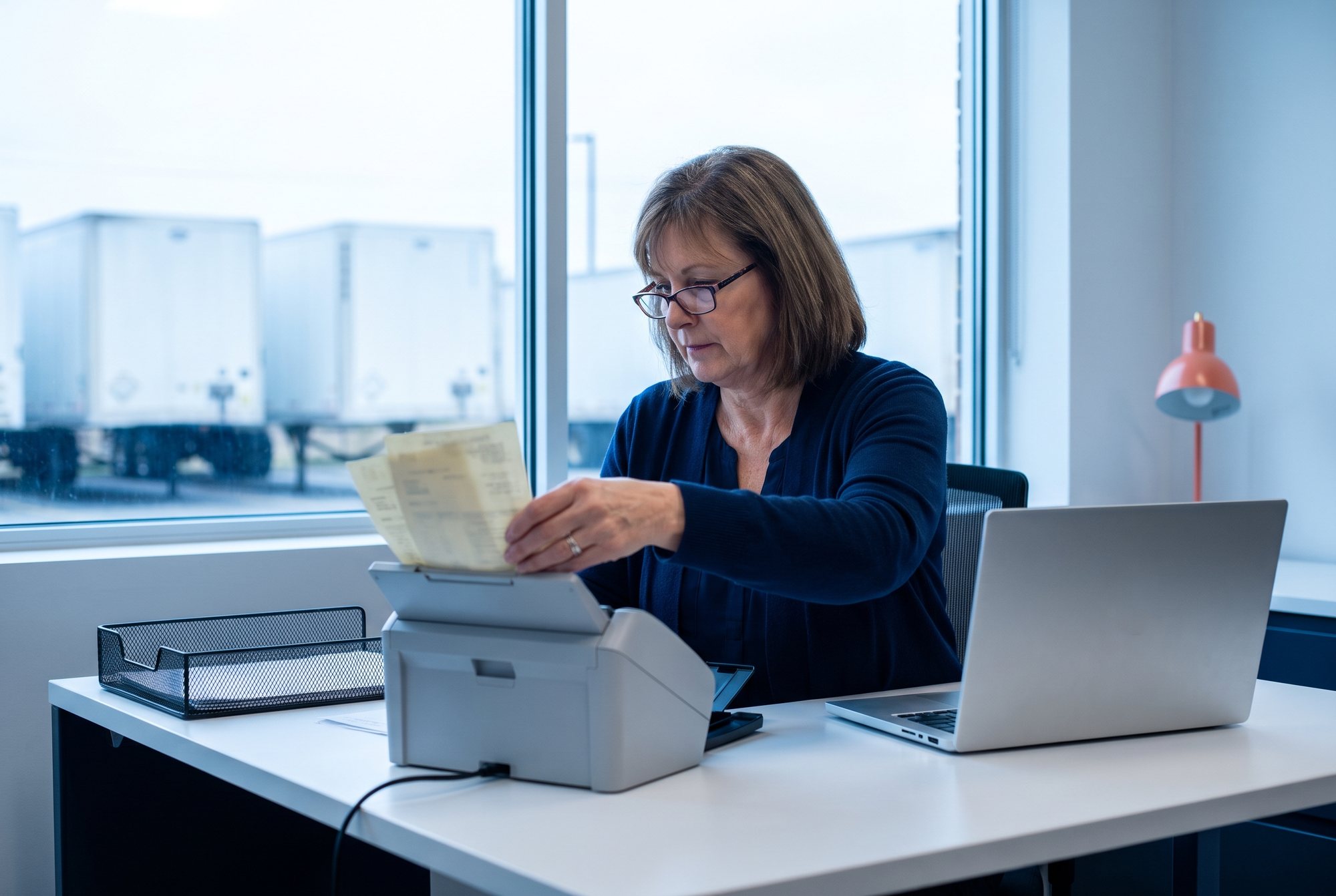
Everything in one place. Including the paper.
Scanned bills of lading, signed paperwork, policies and photos, attached to a record or not, stored securely in one place. The people you permit can get to them from anywhere, in Mobile TMS too.